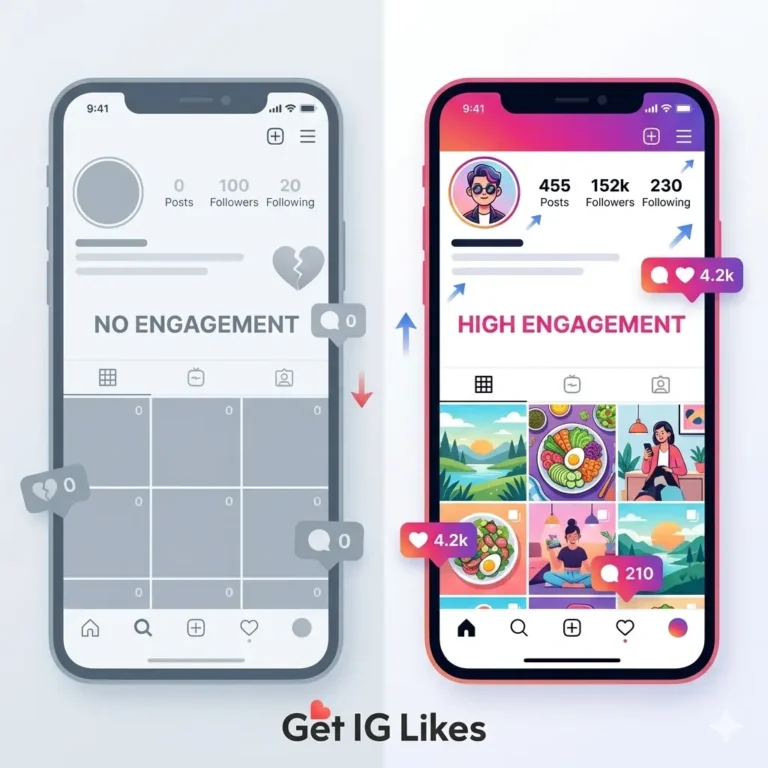
New Instagram Account Looks Inactive? A Practical Checklist

If a new Instagram account looks inactive, inspect what is missing before trying to increase its numbers. An inaccessible post, an unfinished bio and a page with no useful content require different fixes. This checklist helps you find those gaps without promising that reach will recover within 24 hours.
Start with the experience of a new visitor
Open the profile link outside your usual signed-in session. Note the account name, visible description, accessible posts and contact route. If you encounter a login prompt, record it as an access limitation; it does not establish that the account is restricted.
Check the link you share elsewhere. A spelling error, an old handle or a link to the wrong profile can make an active account seem missing. Update places you control after a handle change.
Identify the missing information
- Can a visitor tell what the account covers?
- Does the profile image identify the person or business at a small size?
- Is there something useful to view before following?
- Does the linked page work on a phone?
- Is the next step, such as asking a question or viewing a service, clear?
Fix factual gaps before adjusting decorative details. A readable service description and working link may matter more to a visitor than matching highlight artwork. Use the profile first-impressions checklist for that review.
Replace an empty feed with useful material
Prepare content from work you actually do. A tutor could explain how a lesson is structured; a maker could show the materials used in a product. These are illustrative options, not measured examples of successful accounts.
Begin with an introduction and answers to common questions. If you have no customer examples yet, explain the process or show your own demonstration. Label demonstrations clearly and obtain permission before posting anyone else’s images, messages or feedback.
Check activity and notices separately
Review Account Status for information about removed content or restrictions. If an issue is shown, follow the available instructions. If no issue is identified, avoid treating low engagement as proof of punishment.
Check whether you have published consistently enough to form a comparison. An account with one announcement provides little evidence about which subjects its audience prefers. Use the new-account reach guide to investigate the baseline.
Make a short repair list
Write the observed problem beside the next action. For example: “Visitors cannot find collection details” becomes “Add collection information to the linked page and mention it in the bio.” That is more actionable than “make the account look popular.”
- Repair access or incorrect links.
- Complete the essential identity and service details.
- Publish one helpful answer using material you can substantiate.
- Respond to genuine questions.
- Record what visitors ask next and use it to plan another post.
Repeat the visitor check after the changes. Track useful actions over comparable periods rather than expecting an immediate follower increase. A change in several settings at once may improve the page but will not show which change affected the outcome.
Questions about inactive-looking accounts
Should I delete the account and start over?
First establish the actual problem. An unfinished profile does not itself justify losing the handle, content and genuine audience you already have.
Do I need purchased followers to fill the gap?
A larger counter does not answer a visitor’s questions or create a usable contact route. Complete those tasks before considering a separate engagement service.
For a manageable publishing routine after the repairs, use the first-month Instagram plan.
Read about the service or contact us with a correction or an order question.